


Webflow Code Snippets
Copy & paste Webflow Javascript, CSS, and HTML code snippets to supercharge your sites.
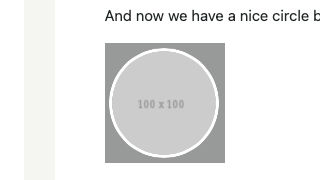

Force Safari to Respect Border Radius on Images & Videos


Safari will often not respect border radiuses on images and videos. With this CSS code snippet you can force Safari to respect border radius on images and videos on your Webflow site.

If Internet Explorer Show/Hide

If the users browser is Internet Explorer show or hide elements on your Webflow site with this Javascript snippet. This allows you to display warning messages, remove elements that aren't IE friendly and other similar use cases.

Disable/Enable Clicking on Element
Control which elements can or cannot be clicked on your Webflow site with this simple CSS code snippet.

Split CMS Collection into Multiple Sections
Split up your Webflow CMS collections into multiple sections with this Javascript code snippet. This allows you to easily break up a collection lists into multiple sections, a great way of adding your own elements in between a Webflow CMS collection list.
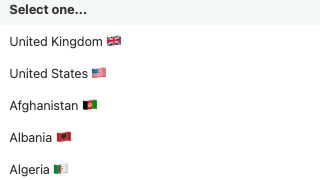
International Flags Phone Number Input
Add international flags to a phone number for input in Webflow. Adding this allows for a unique way of adding international flags to a phone form field in your Webflow site.

Reading Time Blog/Article Page


Display the reading time associated with a blog or article on your Webflow site with this Javascript code. With this code you'll be able to easily add a reading time to all of your blogs or articles on your Webflow site.
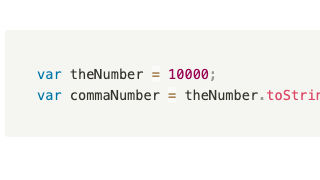
Add Commas to Large Numbers
Easily add commas to large numbers in Webflow via a simple Javascript code snippet. This is perfect for unformatted CMS items, or other numbers utilized on a Webflow site.
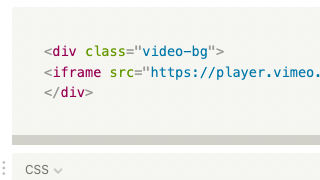
Vimeo as Background Video
Add a Vimeo video as a background video on your Webflow site using this custom CSS code. If you've wanted to add a Vimeo video as a background video you'll see that it's not possible natively in Webflow. This CSS allows you to add a Vimeo background video to your Webflow site.

Add Random Sticker to Page on Click
A fun unique way of adding a random sticker to your Webflow site on click.

Prevent Body Scroll on Click
A technique to stop by scrolling on click in Webflow via a small Javascript snippet. This is perfect for modal popups, navigation dropdowns and other overlays that should prevent the body from scrolling on opening.

Print Div with Button
Create a quick and easy printable div section for your Webflow site via this JS code snippet. This snippet allows you to designate which div will be printed when a user clicks on the print page button.
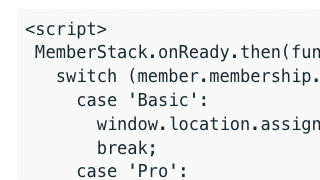
Redirect Users to Membership Dashboard

Redirect a Memberstack user to a designated dashboard page based on their package subscription in Webflow. This Javascript snippet will allow you to easily redirect users to their proper dashboard page based on their membership plan on your Webflow Memberstack site.
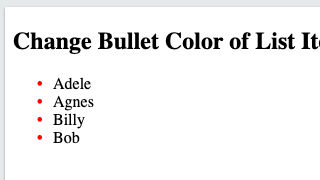
Custom List Bullet Color
Easily update Webflow's native bullet list color with this simple CSS script. Updating Webflow's native list color is actually simple with this custom CSS script.
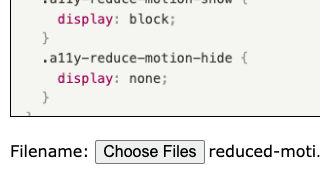
File upload preview
Add a file upload preview option to Webflow's native File upload input field. This adds a preview window to the file upload form in Webflow's native solution.

Pause/Reset Vimeo Embed on Modal Close
Automatically pause or reset a Vimeo video on modal close in Webflow via this helpful Javascript code. This prevents Vimeo videos to continue to play if they happen to be in a modal on your Webflow site.
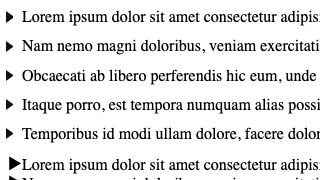
Custom Triangle List Bullet Shape
Customize the shape of Webflow's native list item for your Webflow site with this custom CSS solution. Want a different shape than Webflow's native circle list item shape? With this method you can easily update the list item shape.

Keyboard Accessibility Slider Arrows
Add keyboard accessibility functionality to your Webflow site with this custom Javascript code. This allows users to navigate between slides using their keyboards offering better accessibility to your Webflow sites.
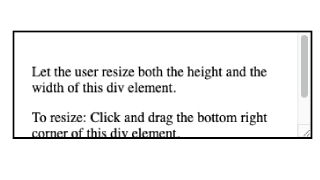
Draggable Text Area Input Resizing
Make your default form inputs draggable and resizable on your Webflow sites with this CSS snippet. This CSS snippet allows for you to make your default form field inputs resizable by your users/visitors on your Webflow sites.
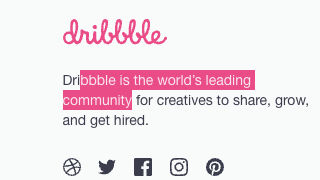
Customize Text Selection Color
Customize the color of the highlight when a user selects text on your Webflow site with this simple CSS script.
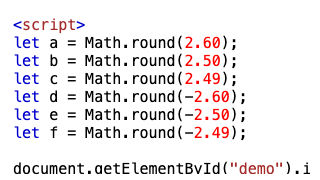
Round numbers decimals or integers
An easy way to round numbers, decimals, or integers based on your requirements in Webflow via a Javascript snippet. You can round numbers to the nearest whole integer or nearest thousand
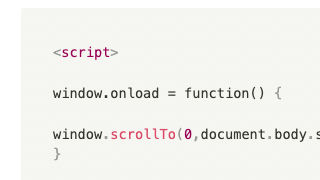
Scroll page to bottom on load
When a page loads you can force the browser to automatically scroll to the bottom of the page on your Webflow site.

Custom text underline offset
Create a custom underline offset for your Webflow site using custom CSS. This is an easy way to add a unique style underline to your Webflow site designs, we recommend adding this to your global stylesheet.
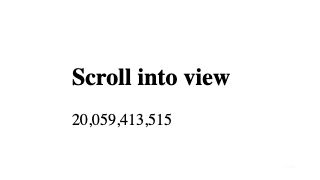
Count Up Numbers on Page Scroll
Add count up numbers on page scroll to your Webflow site via this Javascript code. This method allows you to add a count up numbers via a page scroll to your Webflow site. As the user scrolls down numbers start to count up as they enter the viewport.
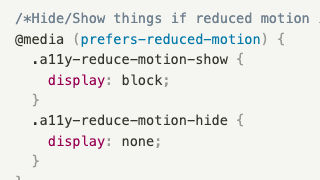
Reduced motion media query
The ability to hide and show elements on your Webflow site based on if a user has reduced motion activated in their operating system. Adding this Javascript code helps with accessibility by hiding and showing elements based on the users predefined OS accessibility settings.
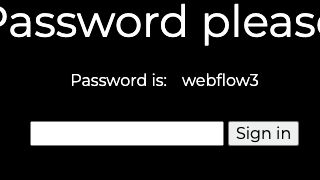
CMS Based Password Collection Template

Add a CMS based password to your Webflow template page via this Javascript code. This allows you to password protect a Webflow CMS template page based on a password in the Webflow CMS collection.
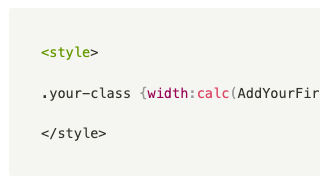
Calculate Div Width via CMS
Calculate the width of a div using percentages from two numbers in a collection CMS list in Webflow.

Scroll to Top of Page on Tab Click
Automatically scroll a user to the top of page on a tab change on your Webflow site. A simple Javascript code snippet that allows for you to scroll users to the top of your site based on your selected class.
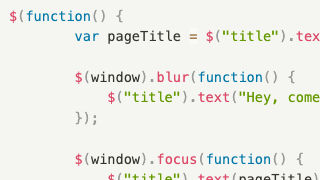
Update browser page title on tab change
A simple way to dynamically update the browsers page title on tab change in Webflow. A great way to add a dynamic element and user friendly method of updating page title on native Webflow tab change.

Truncate multi-line text with Ellipse
Do you want consistency with your Webflow designs? Truncate multi-line texts with ellipses based on 2 or 3 lines of your choosing via CSS. This helps keep your designs uniformed without needing to set max height limitations by truncating text that goes beyond a certain length.
Change Lightbox BG Color
Change the default native Webflow lightbox background color with this custom CSS code snippet.
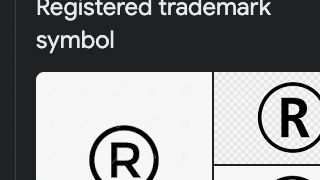
Superscript All ® Trademark Characters
Automatically superscript all ® Trademark Characters on your Webflow site. Adding this Javascript and CSS allows your Webflow site to automatically superscript all ® trademark symbols on your Webflow site.
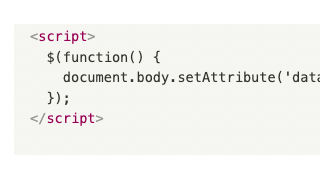
Prefer Reduced Motion on Anchors
This allows you to utilize users OS preferences for reduced motion on anchors in Webflow. Adding this Javascript code snippet to your page settings helps the accessibility of your Webflow site based on your users preferences.

Open Lightbox on Pageload
Automatically open Webflow's native lightbox on page load via this Javascript code snippet. Adding a parameter to your website URL allows for the lightbox to automatically be shown on page load.

Custom Diamond List Bullet Shape
Instead of the default circle for your Webflow list items this CSS snippet allows you to add a diamond as an alternative design.
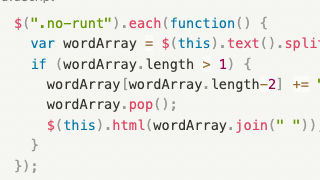
Paragraph Runt Fix
Combine the last two words of your Webflow paragraph with a nonbreaking space via this paragraph runt fix. Add this Javascript code to your Webflow site to fix the paragraph runt issues with Webflow's native paragraph element.

Facebook Open Graph Meta
Add Facebook's open graph meta information to your site to optimize the information when something is shared on Facebook from your site. Optimize this even more by hooking up Webflow CMS to Facebook's open graph meta.

Add Previous/Next Buttons to Tabs
Add a next/previous button to Webflow tabs via this Javascript. This allows users to easily navigate between tabs with previous next buttons rather than only the tab links.

Hide Element After Click w/Cookie
Hide an element on your Webflow site after click with a cookie via this Javascript snippet. This is perfect for welcome modals, cookie notifications, notification alerts and other items that only need to be displayed a single time.

SVG Clip-path for Custom Image Cropping
Create a responsive clip path for images using SVG shapes in Webflow.This allows you to create unique shaped images using SVG paths rather than DIVs or similar methods.
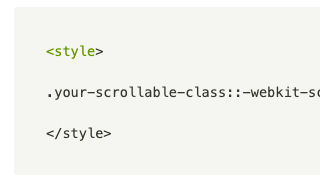
Remove Safari & Chrome Scrollbar
Remove Safari & Chrome scrollbars from your Webflow site via this CSS code snippet.
Display/Hide Items based on Count
Hide/show elements on your Webflow Memberstack site based on a conditional value with this Javascript snippet. A great way to implement a credit based system or value based conditional logic for your Memberstack Webflow site.
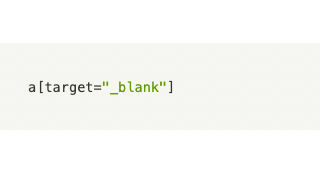
CSS Target Attributes
Utilize CSS to target attributes/elements in Webflow. Here's a quick CSS snippet that allows you to target elements as needed.

Glassy Background Effect

Add a blurry-background effect to your Webflow site divs with this custom CSS. This effect adds an Apple style blurry background effect via a simple CSS code snippet to any div of your choosing.
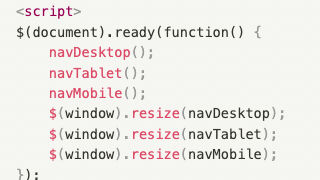
Hide/Show Elements by Breakpoint and Item Count
This custom Javascript code allows you to show or hide items based on breakpoints and the number of items in Webflow. In this example nav buttons are hidden in a custom card slider if the number of cards is less than or equal to the number of items current and is adjusted by breakpoints of 1024, 768

Infinite CSS Marquee/Ticker Logo
An easy way to utilize CSS for Logo marquees and other sections in your Webflow site. An easier way to create an infinite looping marquee on your Webflow site than creating them manually with Webflow interactions.
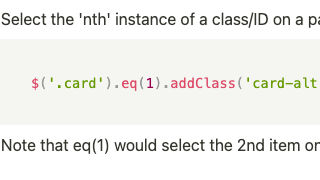
Customize CSS Class of Nth Item
Customize Webflow CMS items by adding a class to your choosing via this Javascript code snippet. If you ever wanted to add a class to a specific item you can now do so via this simple JS snippet.
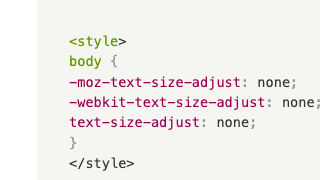
Prevent Mobile Default Minimum Font Size
Prevent iOS and other mobile devices from applying the default minimum font size to your Webflow site with this CSS script.
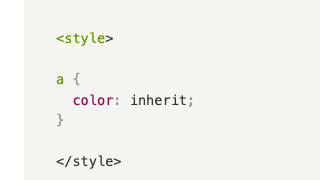
Force Links to Inherit Parent Font Color
Force your Webflow site links to inherit the parent font color with this simple CSS code snippet. This makes it easier for you to manage your link color on Webflow.

Wormy Cursor
Add a fun mouse animation to your Webflow site via this JS code snippet. The worm will follow the mouse on the canvas of your Webflow site as a user navigates your site.
Google Article Schema
Add Google article schema to your Webflow site with this custom script. This allows you to let Google know that there's a relevant article and the necessary information to markup via a schema.
