


Javascript Webflow Code Snippets
88 Javascript Webflow Code Snippets to supercharge your site.
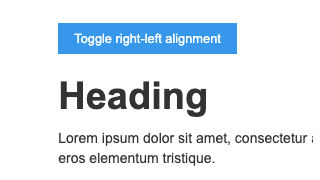

Hide/show Items based on URL Parameter


Show or hide divs or elements based on the parameter within a URL in Webflow. This Javascript code allows you to make your Webflow site even more dynamic by allowing you to customize elements on the page based on the URL parameter provided.
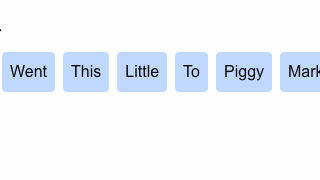
Random CMS Sort on Page Load
Webflow's random sort feature doesn't always work. This method allows for truly random sorting of Webflow CMS items on page load.
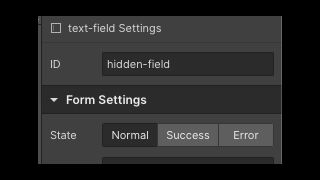
Set referring URL as hidden input
A method to pass the referring domain/URL as a hidden field in a form in Webflow. This is perfect to know who referred the person submitted the form, or a way to display the referring domain on the page on your Webflow site.
Click to Copy to Clipboard
Add a click to copy to clipboard to your Webflow site using a Javascript snippet. This copy to clipboard functionality allows you to designate the class and text that you'll allow your users to copy.

Count Up Numbers on Page Scroll
When scrolling down the page numbers count up as they enter browser view via this Javascript snippet on your Webflow site. An easy way to add number count up to your Webflow site.
Add/Remove Form Input Buttons
Add or remove form input fields with buttons on your Webflow site. This allows your users to add or remove form fields based on buttons on your Webflow site. A great way of adding dynamic form elements to your Webflow site.

Split Text into Lines

Easily split text into lines based on lines, words, characters on your Webflow site. A great way to add interactions based on your own specifications to text on your Webflow site.

Reading Time Blog/Article Page
Display the reading time associated with a blog or article on your Webflow site with this Javascript code. With this code you'll be able to easily add a reading time to all of your blogs or articles on your Webflow site.

Add Random Sticker to Page on Click
A fun unique way of adding a random sticker to your Webflow site on click.

Wormy Cursor
Add a fun mouse animation to your Webflow site via this JS code snippet. The worm will follow the mouse on the canvas of your Webflow site as a user navigates your site.

Google Review Star Schema
Add Google review stars to your Webflow site via this small Javascript script and CSS. This allows your Webflow site to display star ratings in Google's search results.

Change Active Webflow Tab
Change the default Webflow active tab on your Webflow site with this custom Javascript code.
Play Interaction after X Clicks
Play a Webflow interaction after clicking on an element X number of times on your Webflow site. A unique way to create unique interactions that are based on the number of times an element is clicked.

Pause/Reset Vimeo Embed on Modal Close
Automatically pause or reset a Vimeo video on modal close in Webflow via this helpful Javascript code. This prevents Vimeo videos to continue to play if they happen to be in a modal on your Webflow site.

Staggered Interactions
Easily stagger your Webflow interactions via this Javascript code. Add staggered interactions to Webflow CMS items or interactions you may have already built without pulling your hair out. Adding this bit of Javascript code will help create staggered Webflow interactions.
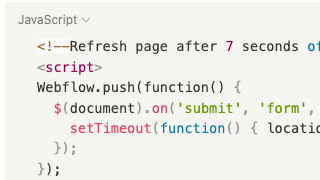
Reload Page after Form Submit
Automatically refresh your Webflow site's page after a form submit with this Javascript snippet. A great way of indicating that a form has been submitted to a user or refreshing the page for another submission.
Count Up Numbers on Page Scroll
Add count up numbers on page scroll to your Webflow site via this Javascript code. This method allows you to add a count up numbers via a page scroll to your Webflow site. As the user scrolls down numbers start to count up as they enter the viewport.

Autoplaying Rotating Tabs
Here's a way to create autoplaying tabs in Webflow using JS. Autoplaying tabs allow for tabs to automatically rotate between tabs based on a time of your choosing. Keep in mind that this method uses the click method and could cause problems if you are using forms or other interactions that rely on mouse click functionality.

Hide Element After Click w/Cookie
Hide an element on your Webflow site after click with a cookie via this Javascript snippet. This is perfect for welcome modals, cookie notifications, notification alerts and other items that only need to be displayed a single time.

Navigate Webflow Slider with Arrow Keys
Add arrow keys keyboard functionality to Webflow's native slider with this simple Javascript code. This added functionality allows users to use their keyboards to navigation through slides in a Webflow slider.

Split CMS Collection into Multiple Sections
Split up your Webflow CMS collections into multiple sections with this Javascript code snippet. This allows you to easily break up a collection lists into multiple sections, a great way of adding your own elements in between a Webflow CMS collection list.
Countdown timer

Add a countdown timer to your Webflow site with this simple Javascript snippet. Want to display a countdown timer to a time of your choosing on your Webflow site? Now you can easily add one with this Javascript snippet.

Mirror Click Script
Trigger a click on another element when one element is clicked in Webflow. This is perfect for allowing one element to control a click of another element.
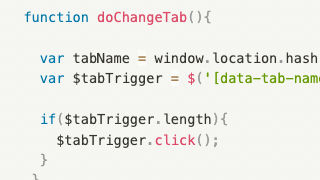
Set URL from Tab Change
Link to specific tabs using URL parameters by setting tab URLs in Webflow. This script allows you to set the tab name in the elements panel for the tabs that you want the URL to include for each tab. The URL will use the # parameter, for example something like example.com#tabName where tabName is the element ID you set on the tab. This allows you to link to specific tabs from other pages and have more control over the tab experience.
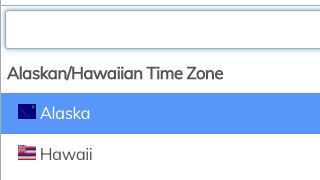
Custom Select Styling Multi-Select Input
Design your own dropdowns and multi-select inputs in Webflow using Select2. With this Javascript code you'll be able to customize the look and design of the multi-select from the native browser select.
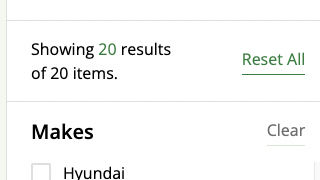
Number of CMS Item Count
A simple way of displaying the number of CMS items on a page in Webflow. If you ever wanted to add a CMS item count on a page this script will allow you to easily display the total number of items shown.
Keyboard Accessibility Slider Arrows
Add keyboard accessibility functionality to your Webflow site with this custom Javascript code. This allows users to navigate between slides using their keyboards offering better accessibility to your Webflow sites.

Print Div with Button
Create a quick and easy printable div section for your Webflow site via this JS code snippet. This snippet allows you to designate which div will be printed when a user clicks on the print page button.
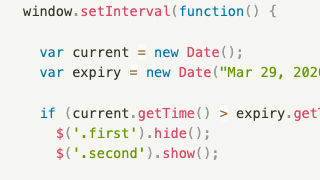
Show/Hide Based on Date or Time
This allows you to show or hide items based on date or time in Webflow. This is great for event based information, you can display various elements based on if its prior to a time or after a specified time on your Webflow site.
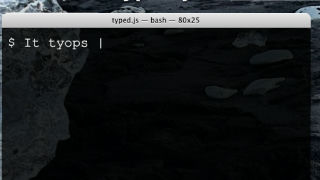
Typewriter text effect
A common hero/header section typewriter text effect for your Webflow site. This allows you to add a typewriter effect to any area that you wish to add a text effect to via this Javascript snippet.
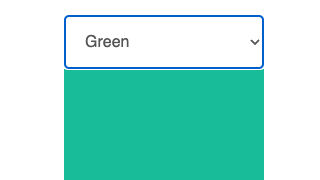
Hide/Show Element from <select>
Dynamically hide/show elements based on the <select> option in Webflow. A great way of showing various elements based on the dropdown selection. This could be used for changes views, changing images and much more.
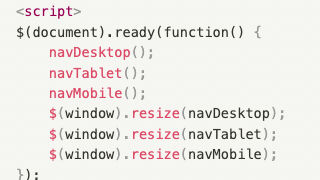
Hide/Show Elements by Breakpoint and Item Count
This custom Javascript code allows you to show or hide items based on breakpoints and the number of items in Webflow. In this example nav buttons are hidden in a custom card slider if the number of cards is less than or equal to the number of items current and is adjusted by breakpoints of 1024, 768
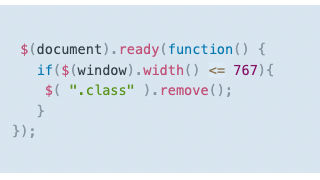
Remove Element from Mobile Load
Remove an element from loading on mobile or low resolution devices in Webflow. This Javascript code makes it easier to remove elements from your mobile and smaller screen resolutions.
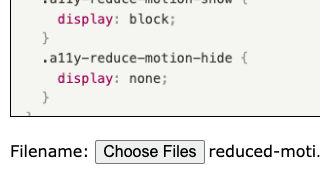
File upload preview
Add a file upload preview option to Webflow's native File upload input field. This adds a preview window to the file upload form in Webflow's native solution.
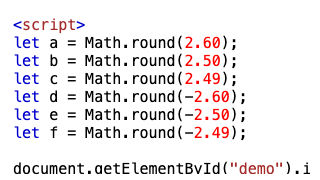
Round numbers decimals or integers
An easy way to round numbers, decimals, or integers based on your requirements in Webflow via a Javascript snippet. You can round numbers to the nearest whole integer or nearest thousand
Setting & Manipulating Cookies
Set, modify and manipulate cookies on your Webflow site via this Javascript code. This allows you to set a cookie, get a cookie, modify a cookie, check a cookie and delete a cookie on your Webflow site.
Randomize button text on click
This allows you to randomize the text on a button click in Webflow. A fun way of displaying a variety of different texts when a user clicks on a button on your Webflow page.
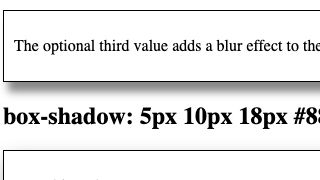
Shadow navbar on Scroll
Emphasize your navbar by adding a shadow on page scroll for your Webflow site. This effect you can use via interactions although an easier way is to add a simple Javascript snippet instead. The code makes it so that if a user hasn't scrolled then no shadow will be visible. When a user scrolls your shadow effect will then be added.
Display/Hide Items based on Count

Hide/show elements on your Webflow Memberstack site based on a conditional value with this Javascript snippet. A great way to implement a credit based system or value based conditional logic for your Memberstack Webflow site.

Remove https:// from link text
This code snippet allows you to automatically remove https:// from all link URLs on absolute URL links (links without anchor text) on your Webflow site. This is a great way to cleanup links or pages of links on your Webflow site.
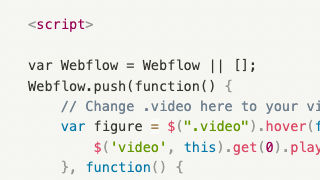
Play Background Video on Hover
Play a background video when a user hovers over the video on your Webflow site.
Hide Static if CMS Collection Empty
This allows you to hide a CMS collection in the event it's empty via a small Javascript snippet.
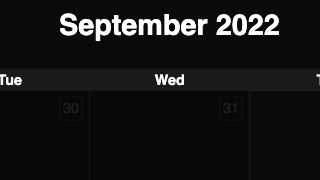
CMS Add to Calendar Button
Add a Calendar button for via your Webflow CMS via this custom Javascript and CSS. This enables your users to easily add events to their calendars based on dates/information in your Webflow CMS.
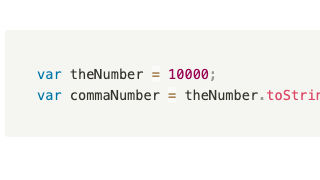
Add Commas to Large Numbers
Easily add commas to large numbers in Webflow via a simple Javascript code snippet. This is perfect for unformatted CMS items, or other numbers utilized on a Webflow site.
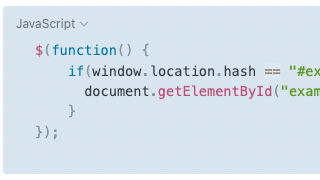
Slick Slider CMS
Add a slick slider for your Webflow CMS items via this custom Javascript code.
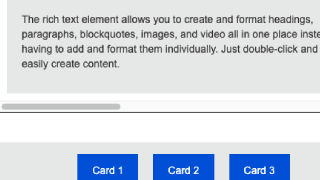
Scroll overflow move on click
Utilize buttons to move between cards within an overflow: scroll wrapper to a specified card via each button in Webflow. This uses a simple JS code to allow seamless transitions between various cards of your choosing using an overflowed wrapper.
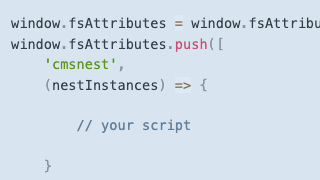
Finsweet Attributes JS Ready Method
This is a way to determine when the Attributes solutions have finished executing and then run your own javascript that needs executing after.
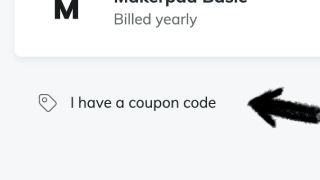
Automatically Apply Coupon Code
Automatically apply a coupon code during checkout on your Webflow Memberstack website.
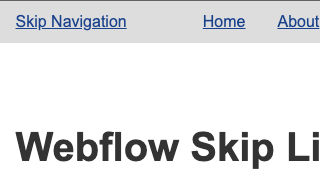
Skip Link Accessibility
Add accessibility features to your Webflow site by allowing to skip links with the keyboard only. Skip links allows keyboard navigation or screen readers to jump past the site navigation quickly. This allows for better accessibility for your Webflow sites.
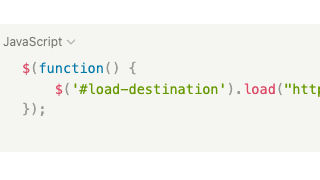
Load another page content
Load another pages content on your Webflow site via a simple jQuery script. This allows you to target an element on your page and then put the URL on the page that you want to load without using iFrames.
