Playing Songs/Audio





Cloneable tags
Description
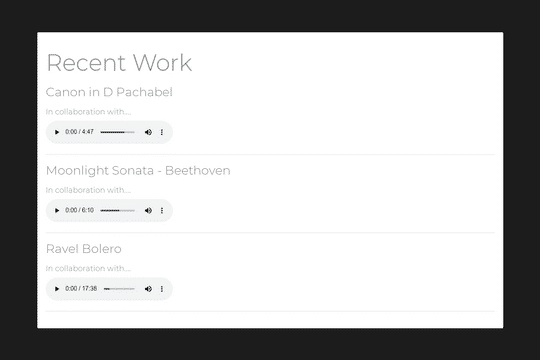
The Playing Songs/Audio cloneable is a great solution for adding and playing audio on your Webflow site. This cloneable, created by Webflowtips, allows you to have as many different audio files as you want, which will play and pause every time you click a button. Please note that this cloneable only works on the published site, not the builder. To use this cloneable, you'll need to add an embed block to your project with as many audio tags as you want, using a unique ID for each one (for example, <audio id="player1" loop src"your-song.mp3"></audio>). You'll also need to add a button for each audio tag, using the unique element ID of the previous items. To complete the setup, you'll need to copy the code within the before body tag, using the IDs of the buttons that you added. The Playing Songs/Audio cloneable can be found in the Music category on Webflow. With this cloneable, you can add a professional and functional audio player to your Webflow site, enhancing its overall usability and user experience.