Lightbox CMS for Images





Cloneable tags
Description
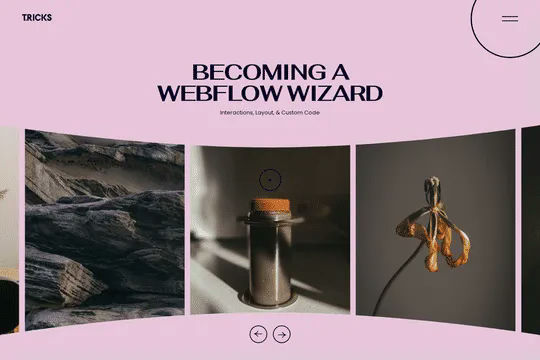
The Lightbox CMS for Images is a feature that allows you to use Webflow's native CMS system and lightbox together seamlessly. This tiny script combines the best of both worlds and is easy to implement on your Webflow site. To use the Lightbox CMS for Images, you will need to create a nested collection with lightboxes and check the "link with other lightboxes" option. Then, simply replace "collection item" in the script with the class name you have chosen for your collection. The Lightbox CMS for Images is a useful tool for creating image galleries or showcasing products on your Webflow site. It is classified in the Image, CMS categories and was created by Media Studio. With the Lightbox CMS for Images, you can easily add a functional and visually appealing element to your site that will enhance the user experience. Whether you want to create a photo gallery or display product images, the Lightbox CMS for Images is a powerful and versatile tool.