Google Sheets Data in Webflow

Try the cloneable below

Cloneable tags

Description

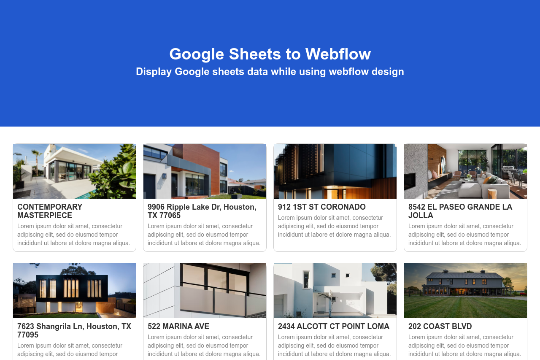
The Google Sheets Data in Webflow cloneable is a great tool for utilizing data and information from Google sheets within your Webflow site. Using the Javascript v4 API, this cloneable allows you to maintain the design of your site within Webflow while using Google sheets as the CMS/backend for the information on your site. Please note that this does not work on the demo on the page, but will load when viewing the page itself. To use this cloneable, you will need to generate your own API key and use the public link of the sheet used in the project demonstration. This cloneable has been created by Rameez and is classified in the categories of Database and API. The Google Sheets Data in Webflow is a useful tool for any website looking to easily manage and update their information using Google sheets. It is a simple but effective way to keep your site up to date and ensure that your users have access to accurate and current information.

Here's a great way of adding an infinite sliding crypto price tracking marquee to your Webflow site. This displays live crypto data via the CoinGecko API, displaying both the pricing information and token logos from popular exchanges. You can add other crypto ticker tokens by adding them to the fetch URL of the code. The marquee also features a pause on hover effect.

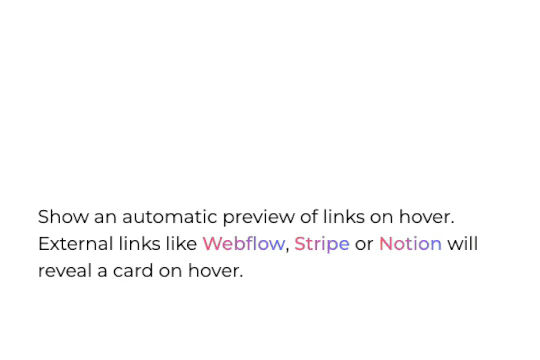
Allow visitors to preview a site thumbanil on external link hover in Webflow. This feature allows you to get a preview of the site that you're linking to without having the user leave your site. It works by extracting the external links on page load, it then grabs a screenshot of those sites and reveals it on link hover. The card's position is calculated using custom code and thus works with inline links and link blocks. Just change the external link and preview will be updated automatically. Replace the demo screenshot API with your own in your live builds.

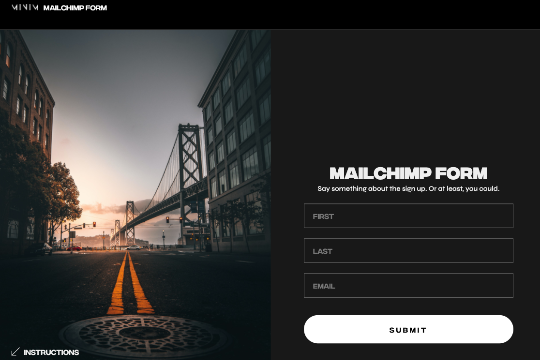
Here's an easy way to implement a Webflow form to Mailchimp. Everything in this cloneable is done for you so that you can easily add your own Mailchimp connection to Webflow's native forms. Simply update the Action URL in your Embed form.

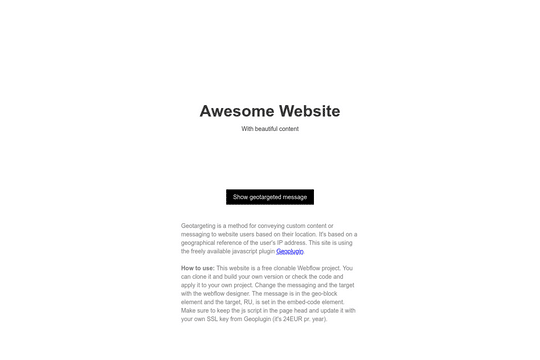
Clonable project for geotargeting website content and messaging. Based on user IP address using Geoplugin (with a yearly fee for SSL requests). This is a perfect way of limiting, or providing messaging to a subset of users based on their geo location.

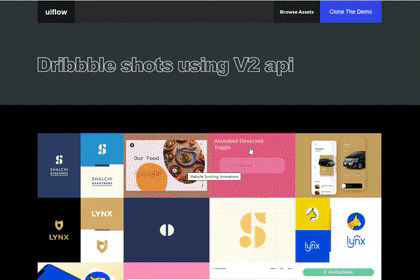
Here's a demonstration of using Dribbles API to display shots from yours, or another Dribble account on your Webflow site.

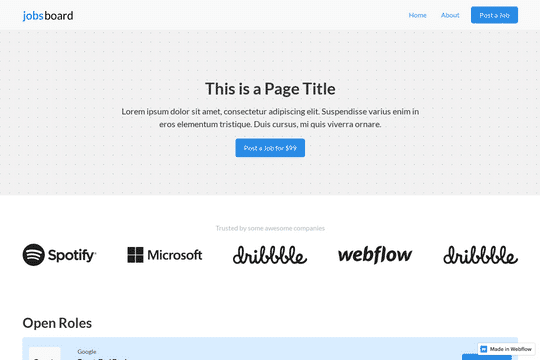
Using Airtable and No Code API to power the job listings of a Webflow site rather than using the CMS.

Here's how to utilize a Deck of Cards API via GitHub, VS Code and jsDelivr with your Webflow sites. Be sure to check the tutorial video and GitHub repo to tie it all together. A nice way of understanding how to make Webflow content even more dynamic via the power of low-code.

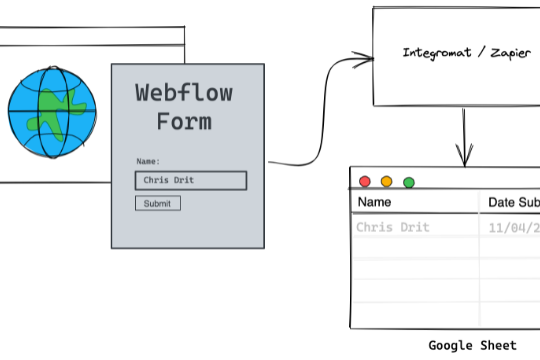
A working example of a native Webflow form to Google sheets upon submission via Integromat. View the tutorial for Integromat here: https://nocodequest.com/webflow-form-submit-to-google-sheet/ Please note that this will not work natively with Webflow and requires setting up Integromat/Make in order for this to work properly.

DRAG
Real-time sorting by

Here's a way of utilizing data/information from Google sheets within your Webflow site using the Javascript v4 API. This allows you to maintain the design of your site within Webflow but use Google sheets as the CMS/backend of the information on your site. Please note that this does not work on the demo on this page but will load when viewing the page itself. You will need to generate your own API key and the google sheet should be the public link of the sheet used in this project demonstration.

DRAG
Real-time sorting by