Glass Objects Three.js Demo

Try the cloneable below

Cloneable tags

Description

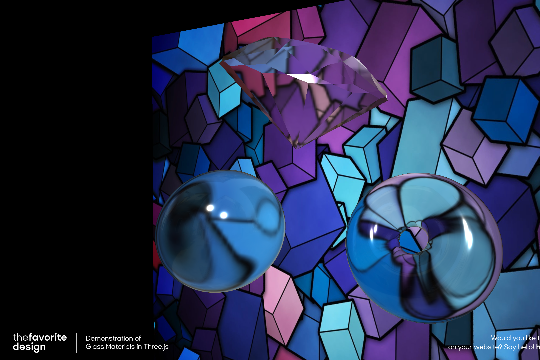
The Glass Objects Three.js Demo is a stunning example of how to use Three.js in Webflow to create 3D glass objects. This cloneable demonstrates how to create transparent 3D objects, including a circle, a moving donut, and a diamond with an image background. The image is distorted through the 3D images created by Three.js, giving a unique and eye-catching effect. This demonstration requires the live site view in order to view the 3D objects, and there are changeable parameters available to further customize and play with the demonstration. It's important to note that this cloneable is simply an embed of a Three.js file hosted on Netlify. Whether you're a seasoned Three.js user or new to the platform, the Glass Objects Three.js Demo is a great resource to add some dynamic and interactive elements to your Webflow site.

A two colored spiral galaxy animation for Webflow created with Three.js. This spiral galaxy spins in the background of your Webflow site and offers zoom in/zoom out functionality by the scroll wheel on your mouse.

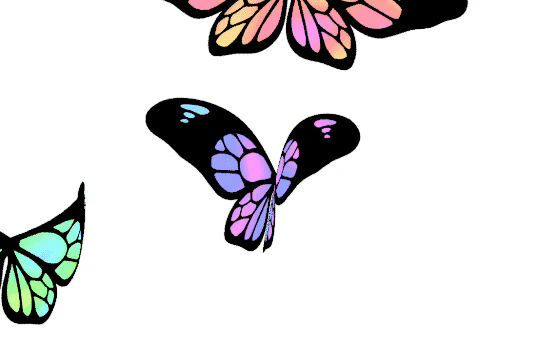
A fun three.js background animation for your Webflow site. Flying butterflies will come from the bottom left hand corner of your page and fly up to the top right and off of the screen. A fun background animation effect powered by Three.js and Webflow.

Here's a demonstration of using three.js for the background of your Webflow site.

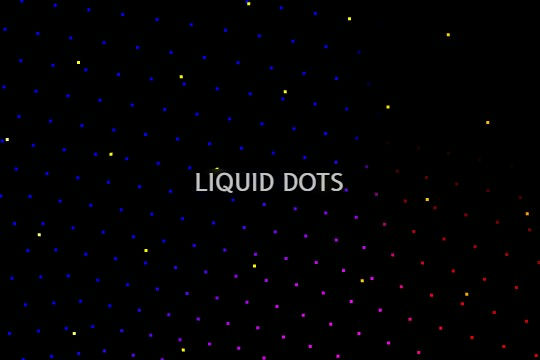
A liquid 3D mesh net with gradients and transitions engulfs the background of your Webflow site. Inside there are shaders and code found in the page. You can adjust the values to customize the effects of this liquid 3D mesh design.

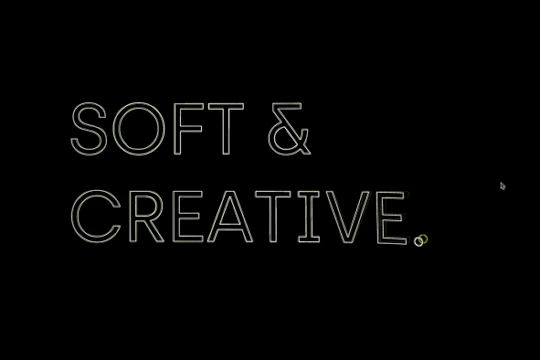
An exploding text particles animation using Three.js in Webflow. A good demonstration of how to add Three.js to your Webflow site. In this cloneable the text begins to morph and explode as you move the cursor over it. Please note that this uses custom code found in the head and closing body tags of the page settings.
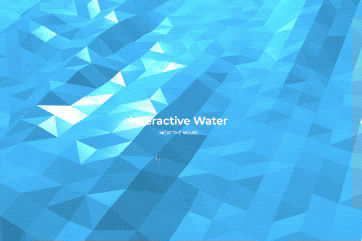
Using three.js and vanta.js to accomplish a 3D interactive polygon water background effect for Webflow. This interactive background allows for a ripple and water effect to be added to your Webflow site. When a user interacts with the page the water changes views and dimensions. You can edit the following variables based on your requirements. You can edit: shininess: 150.00, waveHeight: 26.00, waveSpeed: 0.70, zoom: 0.65, color: 0x368bbe

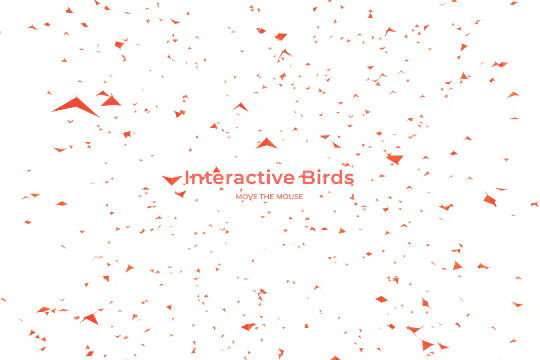
Add a flock of interactive flying birds to your Webflow site via three.js and vanta.js. A wonderful way of adding an interactive background of 3D birds flying to your Webflow site. You can edit the following sections of the custom code for further refinement. You can edit: backgroundColor: 0xffffff, color1: 0xf70707, color2: 0xff5a00, birdSize: 0.90, wingSpan: 29.00, speedLimit: 4.00, separation: 22.00, alignment: 21.00, cohesion: 21.00, backgroundAlpha: 0.93

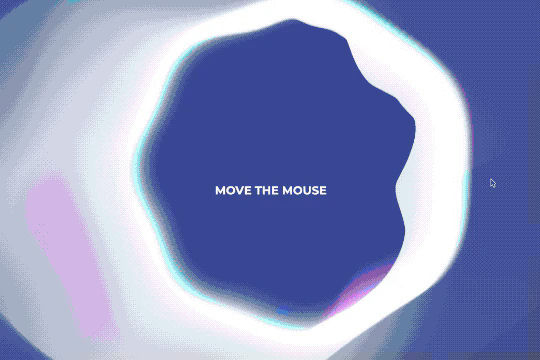
A fun way of adding an interactive halo background effect to your Webflow site using the power of Three.js and Vanta.js.

DRAG
Real-time sorting by

A demonstration of a 3D glass objects using Three.js in Webflow. This demonstration requires the live site view in order to view the demonstration. This three.js features a 3D transparent objects, a circle a moving donut and a diamond with an image background. The image is distorted through the 3D images created by Three.js. In this demonstration there are also changeable parameters that allow you to further tweak and play with the demonstration. Further note that this is simply an embed of a Three.js file hosted on Netlify.

DRAG
Real-time sorting by