


The Top 7 Blending Webflow cloneables
Add cutting edge text & image based blending to Webflow with these blending Webflow cloneables.
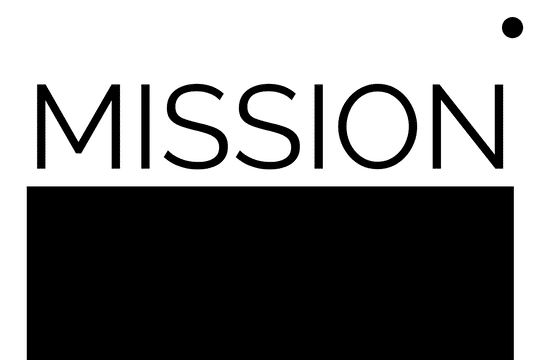


Using Webflow's new blending modes this text effect on scroll becomes apparent of the capabilities of blend modes.
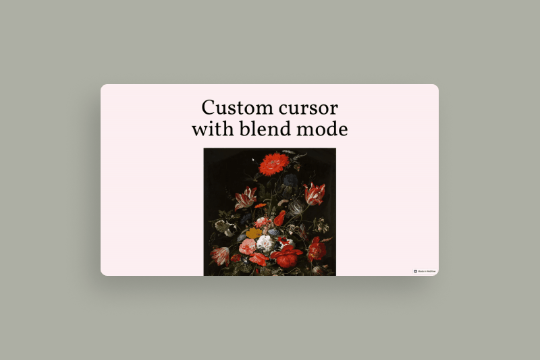

A fun example of the blending feature released by Webflow via a custom mouse cursor. This technique turns the mouse cursor into a blended object, when hovering over the image you can see the blending difference effects. This utilizes some minor custom CSS for the mouse cursor although the true blending and custom cursor is created via native Webflow interactions and features.


A scroll to reveal text masking interaction in Webflow. When a user scrolls down the page the text is zoomed into the masked image and reveals the image upon scrolling. You can edit the text inside each section and change the image to your choosing. You can also add other icons or graphics inside of it. Just be sure to use black/white elements only.
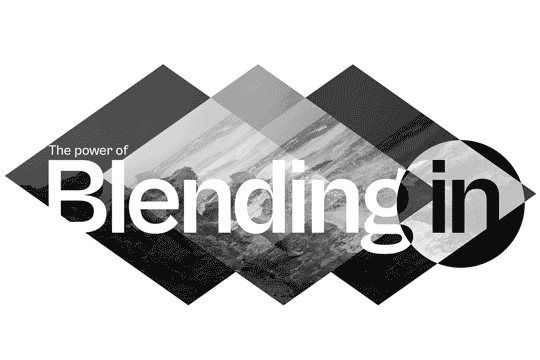

Complex techniques to achieve amazing background effects using unique blending and backdrop filter effects and blending effects. In this demo you'll see a hide/show background effect on scroll, moving divs/assets wherever on a page and the various blending techniques, mouse hover over to effect background effects and more. Combine separate channels into full colour photo; magically hide and show objects simultaneously using nothing but solid coloured divs; play with stacking various blend modes on top of each other; see the mind-bending inception of inversion of already inverted objects; use interactive colour changer for your elements, that does not even touch the elements themselves; create fun colour-restoring games; reveal the magical world invisible to naked eye with your blend-empowered cursor.
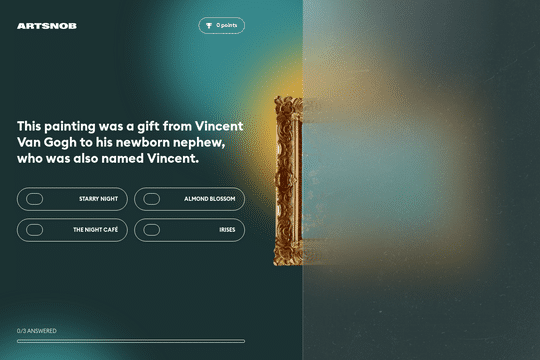

This is a demonstration of Webflow's new blending and backdrop effect filters in action. This cloneable features both blending and backdrop effects in a fun art quiz. The artwork that's being questioned is covered by the Screen blending effect with a Blur backdrop filter over it. When a user selects an answer the blending and backdrop filter is removed to showcase the artists artwork.
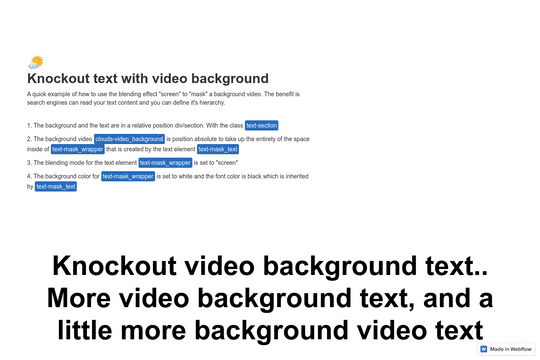

Here's a text masking over a video effect in Webflow. This cloneable demonstrates a technique to allow you to clip a background video using text as the screened blending mode. There's also a demonstration using an image rather than a video.
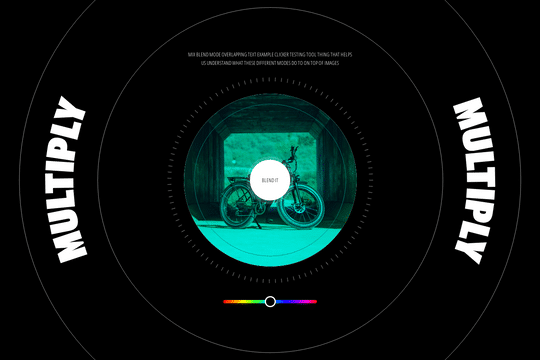
Another demonstration of Webflow's new blending and backdrop filters. Here you can see hue, screen, hard light, color, color dodge, difference, multiply, and overlay blending and background filters in action in Webflow. A clean way to quickly demonstrate the different affects that blending and backdrop can have on images and items on a Webflow site.
